Why Leading Teams Trust Zoho Analytics in 2026 for Unified Reporting
In 2026, most businesses are no longer struggling to collect data—they are struggling to make sense of it. Sales, marketing, finance, operations, and customer support all generate large volumes of information across multiple platforms and regions, often in parallel and without alignment.
The real challenge is consolidating that data into a single, reliable view and using it to make timely, confident decisions.
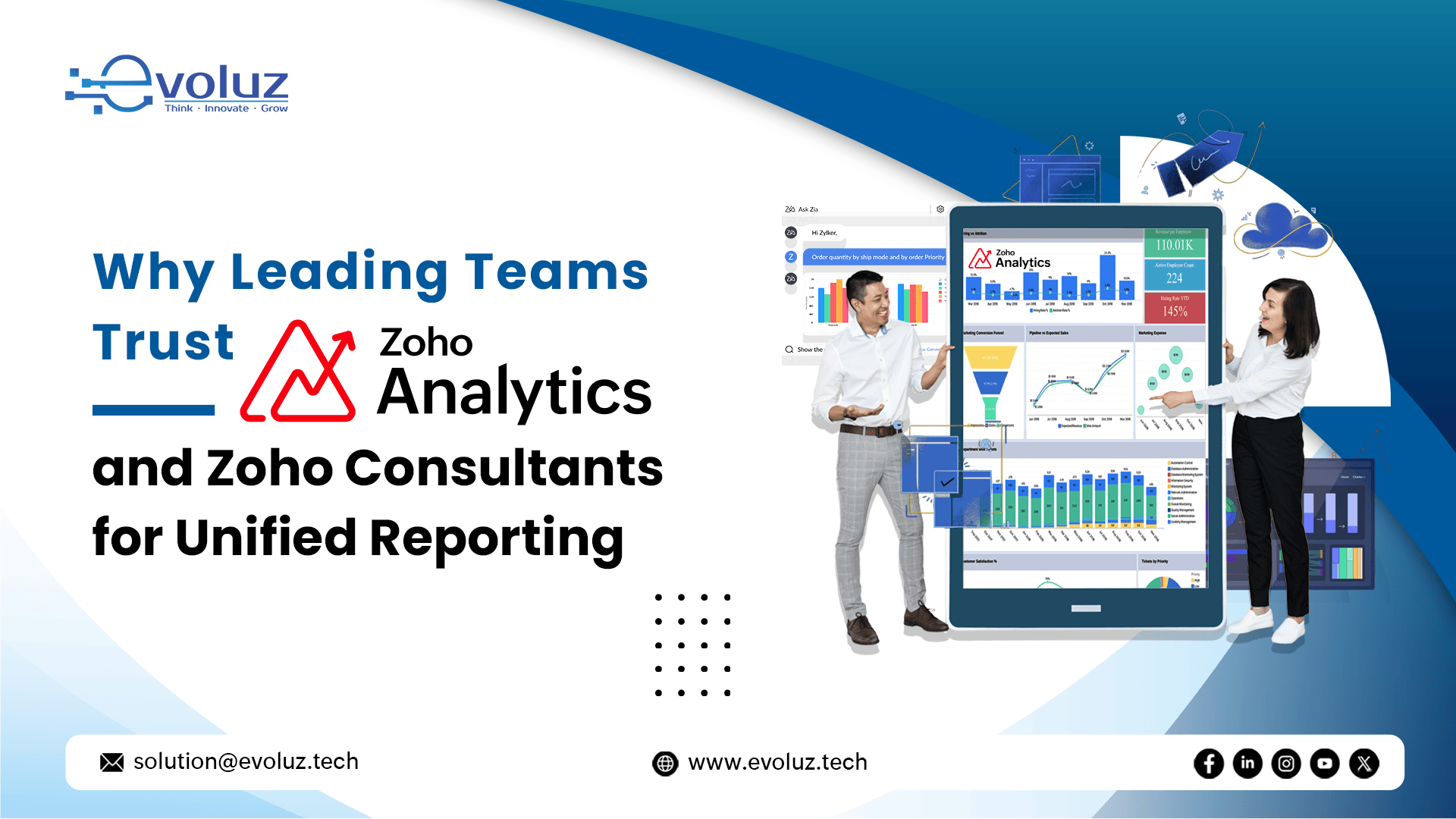
This is where Zoho Analytics plays a critical role. As a unified business intelligence platform, Zoho Analytics enables organizations to centralize data, standardize reporting, and generate actionable insights that support both strategic planning and day-to-day operations.
To fully realize these benefits, many organizations work with experienced Zoho Consultants who design analytics frameworks aligned with business objectives, regional compliance requirements, and long-term scalability.

What Is Zoho Analytics?
Zoho Analytics is a cloud-based business intelligence and analytics platform designed to collect data from multiple sources, process it into structured formats, and present it through interactive dashboards and reports.
It allows organizations to analyze operational, financial, marketing, and customer data within a single environment.
Core Capabilities of Zoho Analytics
Data integration from Zoho applications and third-party tools
Custom dashboards and visual reports
AI-powered insights and predictive analytics
Secure data sharing with role-based access
Support for regional data hosting and compliance
By 2026, Zoho Analytics has evolved into a decision-support system rather than a static reporting tool.

How Zoho Analytics Works
Zoho Analytics functions by connecting data sources, modeling relationships between datasets, and transforming raw information into usable insights.
Data Integration and Connectivity
Zoho Analytics supports integration with:
Zoho CRM, Zoho Books, Zoho Desk, Zoho Projects
Marketing and advertising platforms
Databases, spreadsheets, and cloud storage systems
Data is automatically refreshed based on configured schedules, reducing manual effort and reporting delays.
Data Processing and Modeling
Once data is imported:
Tables are structured and linked
Metrics and KPIs are standardized
Calculated fields are applied where required
This modeling layer ensures consistency across reports and dashboards.
Visualization and Reporting
Users can create:
Charts, pivot tables, and summary views
Role-specific dashboards for different teams
Scheduled and on-demand reports
Dashboards are accessible across devices, supporting distributed and remote teams.
What Zoho Analytics Is Used For
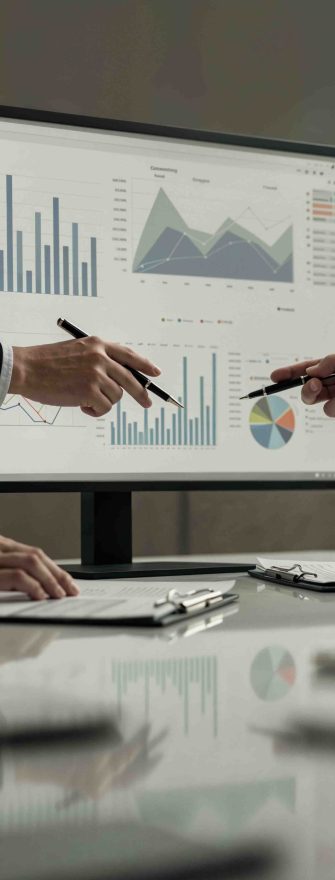
Zoho Analytics is used across departments to support both strategic and operational decision-making.
Sales Performance and Pipeline Analysis
Sales teams use Zoho Analytics to:
Monitor pipeline health and deal progression
- Analyze conversion rates and sales velocity
- Forecast revenue by region, product, or team
Marketing Campaign and ROI Tracking
Marketing teams rely on Zoho Analytics to:
Measure campaign effectiveness
Track cost per lead and cost per acquisition
- Connect marketing spend to revenue outcomes
Financial Reporting and Forecasting
Finance teams use Zoho Analytics for:
Revenue and expense analysis
Cash flow visibility
- Budget vs. actual comparisons
Operations and Service Insights
Operations and support teams analyze:
Resource utilization
Project performance
- Customer service trends and resolution times

How Businesses Use Zoho Analytics Effectively
Successful implementations focus on clarity, consistency, and adoption.
Defining Business-Critical KPIs
Effective analytics starts with KPIs that reflect business objectives, such as:
Revenue growth and profitability
Customer acquisition and retention
- Operational efficiency
Avoiding excessive or redundant metrics improves usability and trust.
Creating Stakeholder-Specific Dashboards
Different teams require different views:
Leadership dashboards focus on trends and outcomes
Managers track performance and targets
- Operational teams monitor daily activities
Leveraging AI and Advanced Analytics
Zoho Analytics includes AI-driven features that help:
Identify anomalies and performance changes
Predict future trends using historical data
Answer business questions using natural language
These features reduce analysis time and improve responsiveness.

Security, Compliance, and Regional Readiness
In 2026, data governance is a core requirement for analytics platforms.
Zoho Analytics supports:
Role-based access controls
Data encryption in transit and at rest
Region-specific data hosting options
- Compliance with data protection regulations
This makes it suitable for organizations operating in the UK, EU, Middle East, and other regulated regions.

Why Zoho Consultants Matter for Zoho Analytics Implementation
While Zoho Analytics is designed for usability, implementation quality determines long-term success.
Zoho Consultants help organizations:
Design scalable data models
Define meaningful KPIs and reporting structures
Configure integrations correctly
Align analytics with regional and compliance needs
- Improve user adoption across teams
Their involvement reduces rework, improves accuracy, and accelerates return on investment.

Zoho Analytics for Unified Reporting Across Teams
Unified reporting ensures all departments work with consistent data and definitions.
With Zoho Analytics:
Teams access a single source of truth
Reporting discrepancies are reduced
- Decision-making becomes faster and data-driven
This alignment improves collaboration and accountability across the organization.

Conclusion
Zoho Analytics has become a trusted analytics platform for organizations seeking unified reporting, real-time insights, and scalable business intelligence in 2026.
By combining robust analytics capabilities with expert guidance from Zoho Consultants, businesses can transform data into reliable insights that support growth, efficiency, and informed decision-making.
If your organization is aiming to build a reliable, scalable analytics framework with Zoho Analytics, working with the right Zoho Consultants makes a measurable difference. Evoluz Global Solutions helps businesses design and implement unified reporting that aligns data, dashboards, and KPIs with real business objectives—across sales, marketing, finance, and operations.
Whether you are implementing Zoho Analytics for the first time or optimizing an existing setup, Evoluz ensures your analytics environment delivers consistent insights, supports regional compliance needs, and drives informed decision-making. Connect with Evoluz to turn your business data into clarity, confidence, and sustainable growth.

FAQs
Zoho Analytics is used to turn business data into visual reports and dashboards. It helps teams track KPIs, uncover insights, and make data-driven decisions using data from CRMs, spreadsheets, and other sources.
Yes, Zoho Analytics has a free plan for up to 2 users. It includes basic reporting features, while advanced tools like data blending and app integrations are available in paid plans.
Yes, it’s easy to learn with a user-friendly interface. Even non-technical users can build reports using drag-and-drop tools, and the platform includes helpful tutorials and AI assistance.
A Zoho Consultant is an expert who helps businesses implement and customize Zoho apps. They ensure tools like Zoho CRM and Zoho Analytics are set up to match business needs, processes, and goals.
Yes, Zoho Analytics supports SQL for advanced data queries. Users can write custom SQL or use its visual builder for report creation—ideal for both technical and non-technical users.